Talk to the patient. MedAid writes it all down.
The recording is transcribed while you talk, right in the browser, and the note is ready a few minutes after you press Finish. Norwegian, English, Swedish and Danish. No dictation, no keyboard.
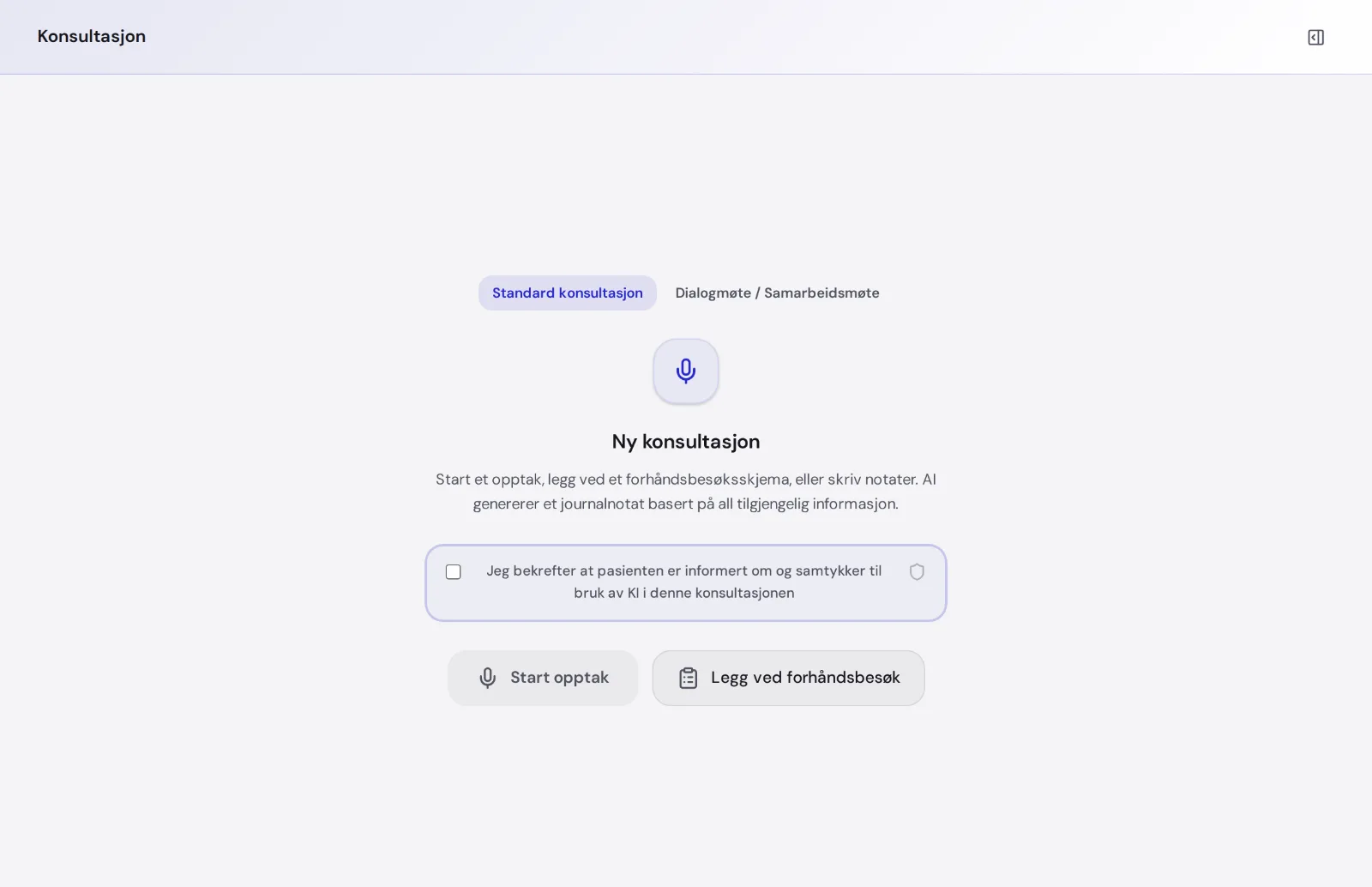
How it works
MedAid tests that the sound is good before you start.
The audio is sent in small pieces and written down as you go. You don't need to speak slowly or clearly for the machine.
The transcript sits above the note. You can read it, and the note is built from it.
Built for the doctor's office
Norwegian, English, Swedish and Danish. Pick the language before recording.
Interruptions, dialects and medical terms. The text is cleaned before the note is written.
Audio is split into 30-second pieces that overlap by five, so nothing falls between them and long conversations work as well as short ones.
Scan a QR code and take a picture with your phone. Images and PDFs up to 10 MB attach straight to the consultation.
Video consultations are transcribed the same way.
The audio file is deleted as soon as the text is ready. Only the cleaned text is kept.
Every session in one place
Each consultation becomes a session with the transcript, the note and the documents together.
You find them again on the overview, with status and time, and can reopen them whenever you like.
Transcription is not dictation
With dictation you stop, think and talk to a machine after the patient has left.
With MedAid it is all recorded and transcribed while you talk to the patient. The note is ready a few minutes after you finish, and you get the time back.
Common questions
Do I have to speak in a special way?
- No. Talk to the patient the way you always do.
What if the sound is poor?
- MedAid checks the microphone before you start. If something is unclear, you see it in the transcript and can fix the note.
Which languages can the note be written in?
- Norwegian and English. The transcript itself can be in Norwegian, English, Swedish or Danish.
Is the audio stored?
- No. The audio file is deleted as soon as the note is written.
Hear how much you say in a day
Try it for free. Log in with BankID and start your first recording.